
Developer
All You Need to Know about Developer Reports
Review detailed API access logs to monitor request activity, authentication usage, response status, and performance metrics across your integrations.
Overview
Developer reports provide insight into API usage through the Access Log report. This report helps developers and technical teams track incoming requests, identify authentication sources, and analyze response codes and execution times. Use this data to support debugging, performance monitoring, and security auditing.
Access Log
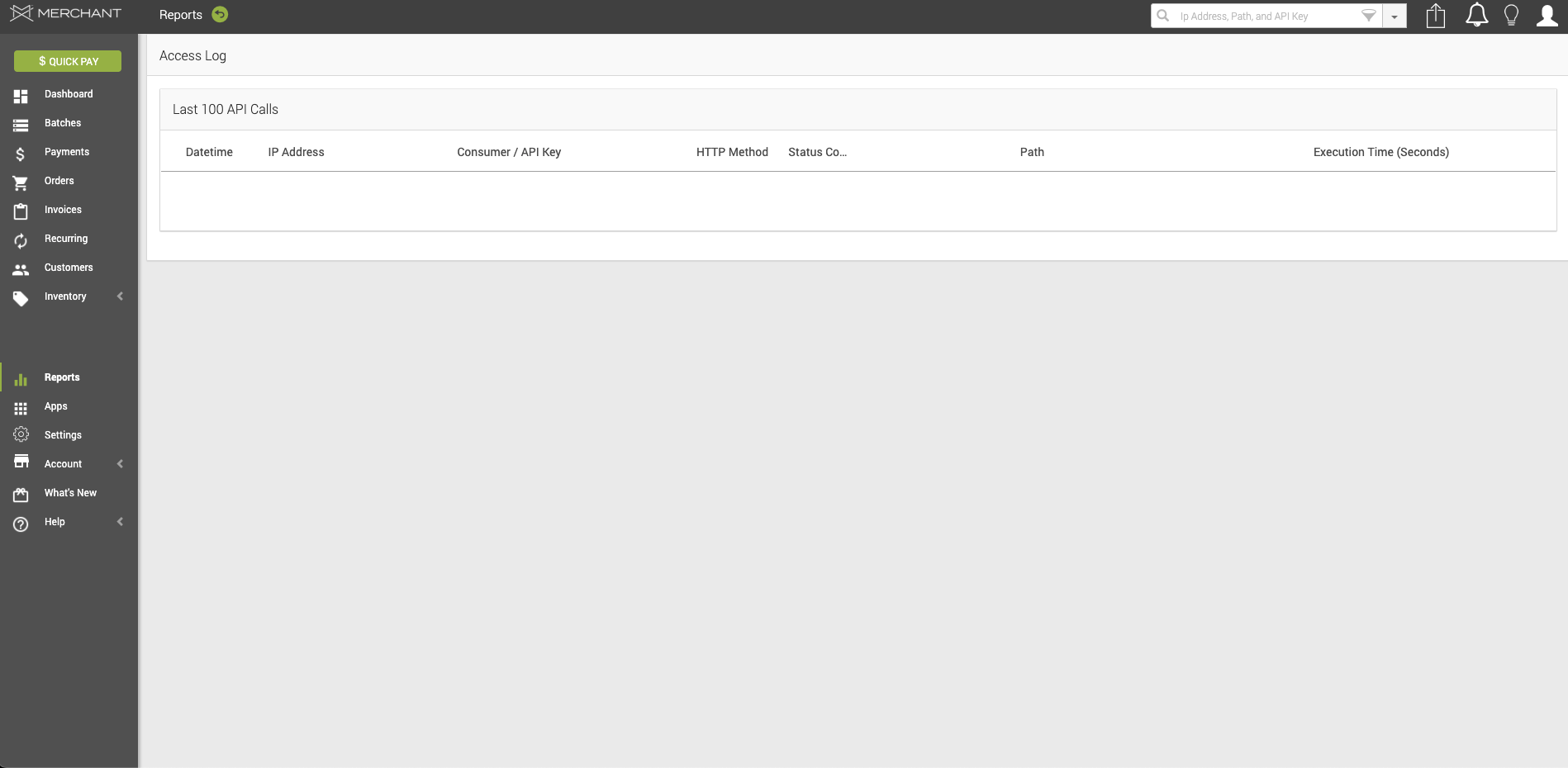
In your Access Log report, you will find a table with the following information:
- Date/Time – The date and time when the API request was received.
- IP Address – The IP address from which the API request originated.
- Consumer/API Key – The consumer identifier or API key used to authenticate the request.
- HTTP Method – The HTTP method used for the request (for example, GET, POST, or DELETE).
- Status Code – The HTTP response status code returned for the request.
- Path – The API endpoint path that was accessed.
- Execution Time (Seconds) – The total time taken to process the request, measured in seconds.
Updated 20 days ago