Settings
Introduction
In the Settings section, where you can customize and manage your payment processing experience. Here, you’ll be able to set up receipts and notifications, manage your team’s access, configure loss prevention measures, and create secure payment links. You’ll also find additional tools to streamline operations and ensure seamless transactions. Take control of your settings to optimize your business’s performance.
What You'll See
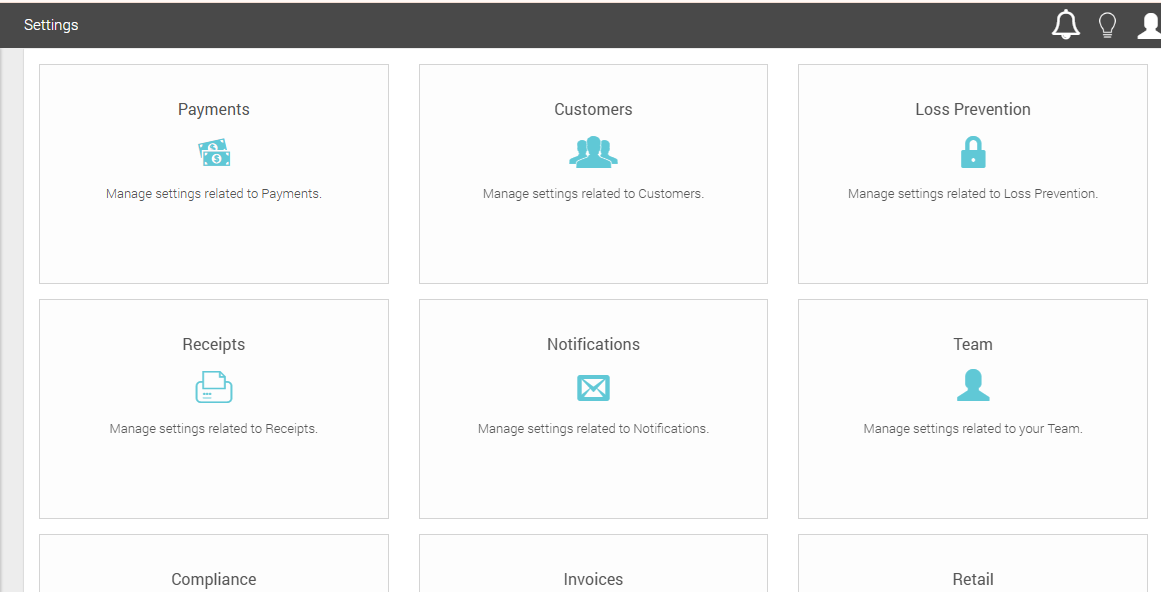
After clicking Settings on MX™ Merchant's left-side menu, you'll find the following areas. Click their names below to learn more about each one:
- Payments
- Customers
- Loss Prevention
- Receipts
- Notifications
- Team
- Compliance
- Invoices
- Retail
- Sales Tax
- Applications / API
- Discounts
- Payment Links
- Terminals
- MX ePay
If you are the Admin of the account, you'll also find:
Finally, you can find the List of Acceptable State/Province Abbreviations for Payment Links, used for the standardization of payment links.
Updated 20 days ago