
Retail
All You Need to Know about Retail Reports
Analyze retail performance with reports that track taxes, profitability, inventory levels, and product sales in a clear, actionable format.
Overview
The Retail Reports tab provides detailed insights into your retail operations, including tax collection, profit margins, inventory health, and product sales activity. These reports help you understand how products perform, when to replenish inventory, and how costs and pricing impact profitability. Use this data to make informed merchandising, pricing, and operational decisions.
Tax
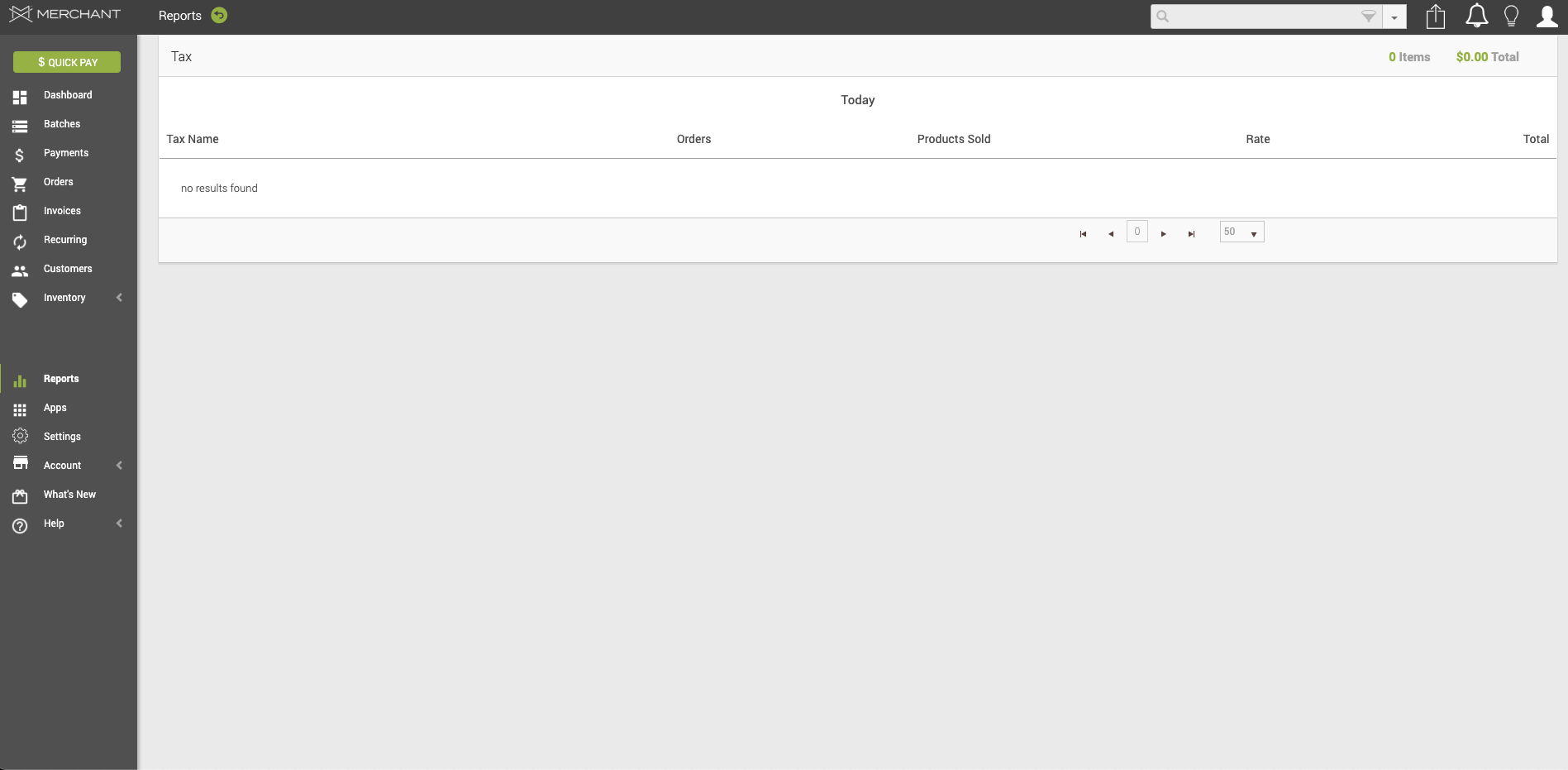
In your ax report, you will find a table with the following information:
- Tax Name – The name of the tax applied to retail transactions.
- Orders – The total number of orders on which the tax was applied.
- Products Sold – The total number of products subject to the tax.
- Rate – The tax rate applied to the products or orders.
- Total – The total tax amount collected.
Profitability
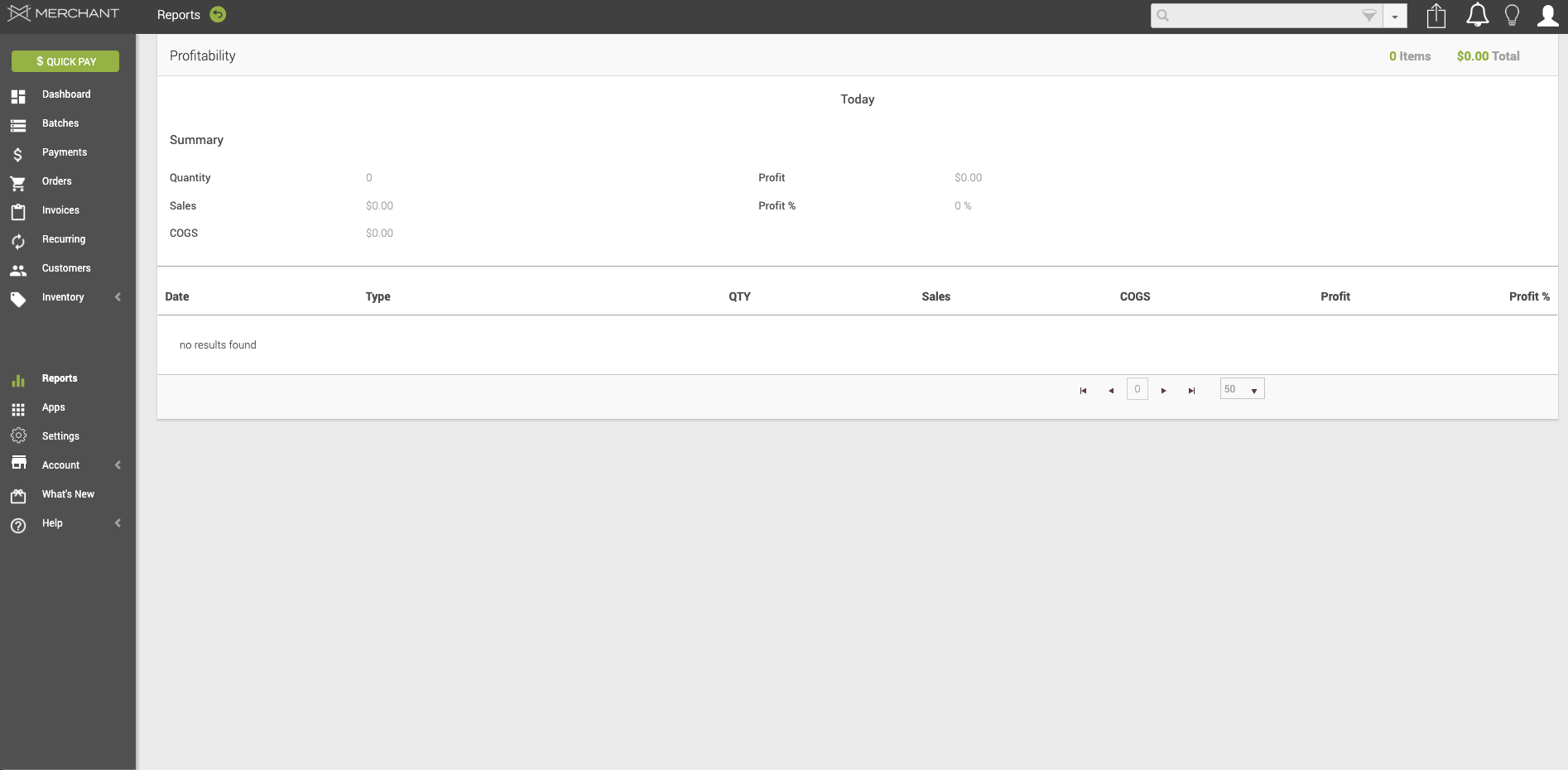
In your Profitability report, you will find a table with the following information:
- Date – The date for which profitability data is reported.
- Type – The transaction or product type used for profitability calculations.
- QTY – The total quantity of items sold.
- Sales – The total sales revenue generated.
- COGS – The cost of goods sold for the reported sales.
- Profit – The net profit calculated as sales minus COGS.
- Profit % – The profit expressed as a percentage of sales.
Expedite
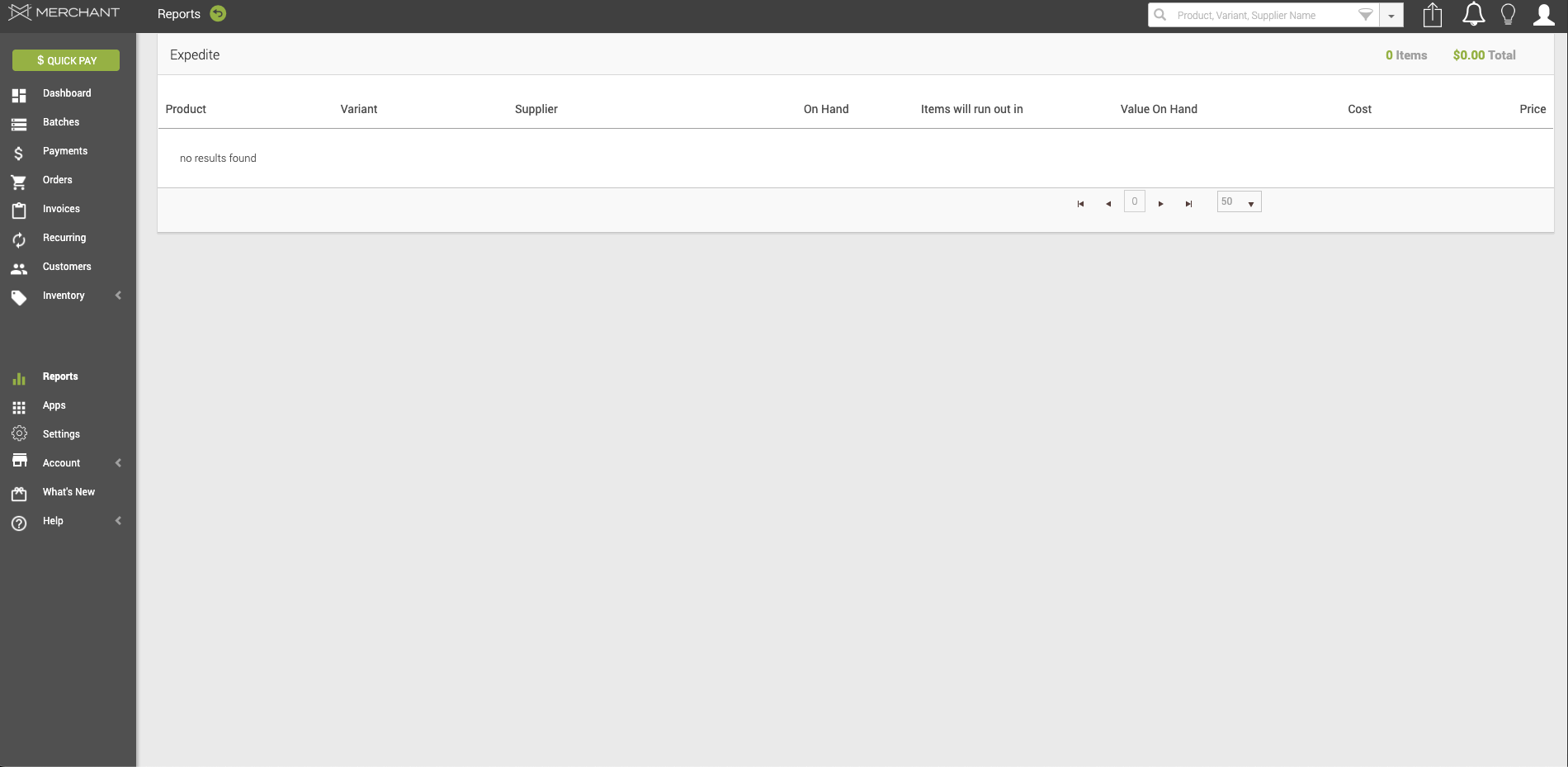
In your Expedite report, you will find a table with the following information:
- Product – The name of the product tracked for inventory replenishment.
- Variant – The specific product variant (for example, size or color).
- Supplier – The supplier or vendor providing the product.
- On Hand – The current quantity of inventory available.
- Items Will Run Out In – The estimated time period before inventory is depleted based on sales velocity.
- Value on Hand – The total inventory value of items currently on hand.
- Cost – The cost per unit of the product.
- Price – The retail price per unit of the product.
Product Sales
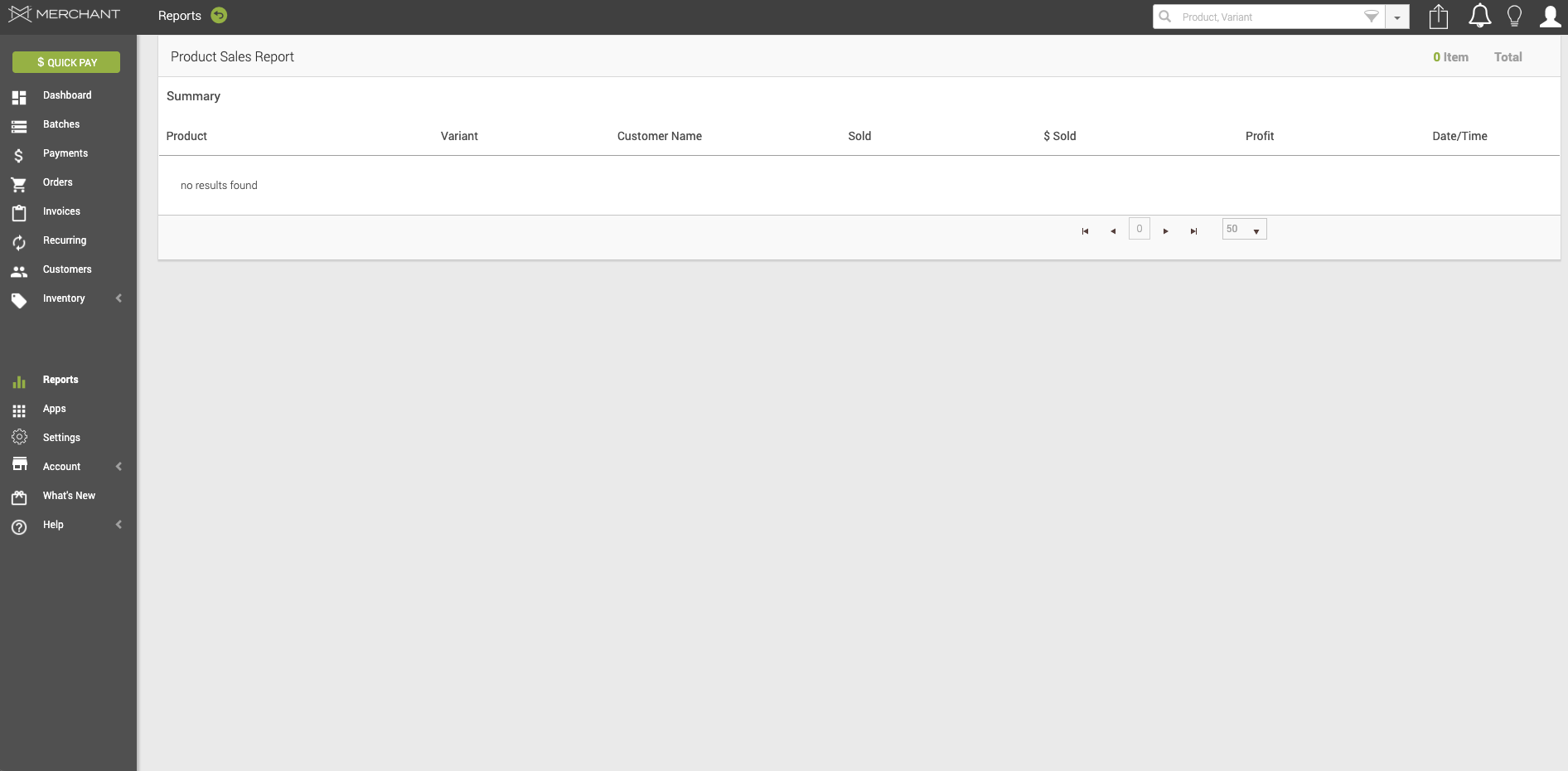
In your Product Sales report, you will find a table with the following information:
- Product – The name of the product sold.
- Variant – The specific product variant sold.
- Customer Name – The name of the customer who purchased the product.
- Sold – The quantity of the product sold.
- $ Sold – The total revenue generated from the product sale.
- Profit – The profit generated from the product sale.
- Date/Time – The date and time when the product sale occurred.
Updated 20 days ago