
Reports
Overview
This section provides additional details regarding reports related to business activities, such as reconciliations, transactions. batches, chargebacks, and expired cards, among others.
Viewing Reports
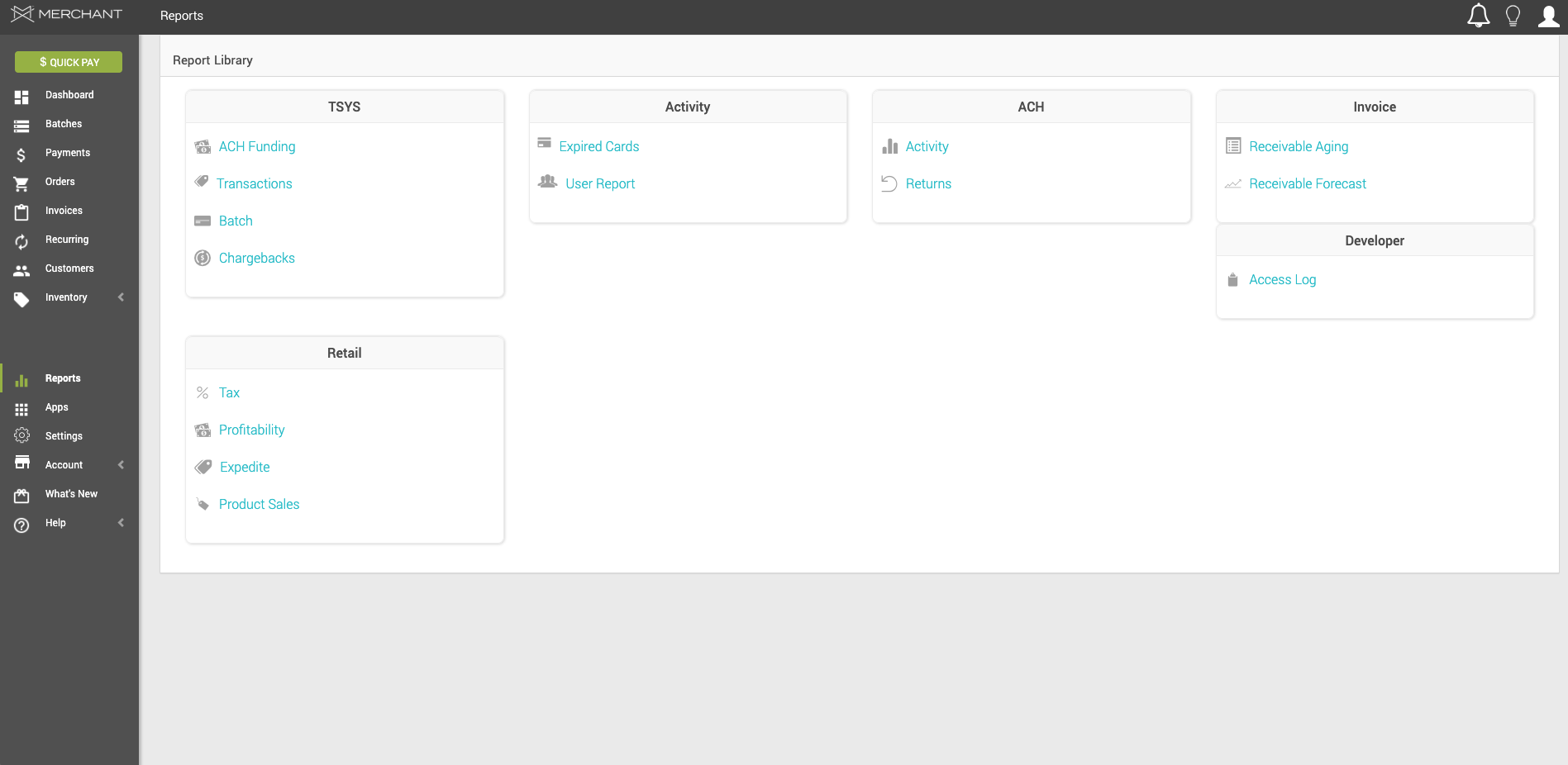
Upon clicking the Reports tab on the left-hand menu, you will find the Report library, with the following report categories, with their respective reports. You may click on each one to learn more:
- TSYS
- ACH Funding
- Transactions
- Batch
- Chargebacks
- Activity
- Expired Cards
- User Report
- ACH
- Activity
- Returns
- Invoice
- Receivable Aging
- Receivable Forecast
- Retail
- Tax
- Profitability
- Expedite
- Product Sales
- Developer
- Access Log
After pressing any report, you will be able to:
- Filter and search for specific records through the search bar.
- Upload information using the upload button on the top right-hand corner.
- Print or generate a PDF copy of the records currently visible (depending on the applied filters).
Notes:
- The information collection settings for reports cannot be edited by users, since MX Merchant collects data from all the business activity in your account for this purpose.
- Depending on the level of access in a given account, some of the types of reports shown above may not show up.
Updated 20 days ago